Why Tenin · Start in minutes
Create an account, and your
AI clerk starts today.
No tech team, no complicated setup. Upload your store materials and the AI clerk starts learning, builds your brand and store knowledge base, and begins serving customers.
01 — Three steps
Three steps from sign-up to live
No code to write, no complex forms to fill in.
011 min
Create an account
Sign up, add your brand and store, and pick a look for your AI clerk.
023 min
Upload your store materials
Product and stock sheets, menus, price lists, policies, FAQs and more, in PDF, Excel, CSV, Word, TXT or image formats.
03Ready
Your AI clerk goes live
Preview conversations, fine-tune its boundaries, publish to your website and social profiles with one click, print the in-store QR code, and your AI clerk is officially on duty.
02 — Any format
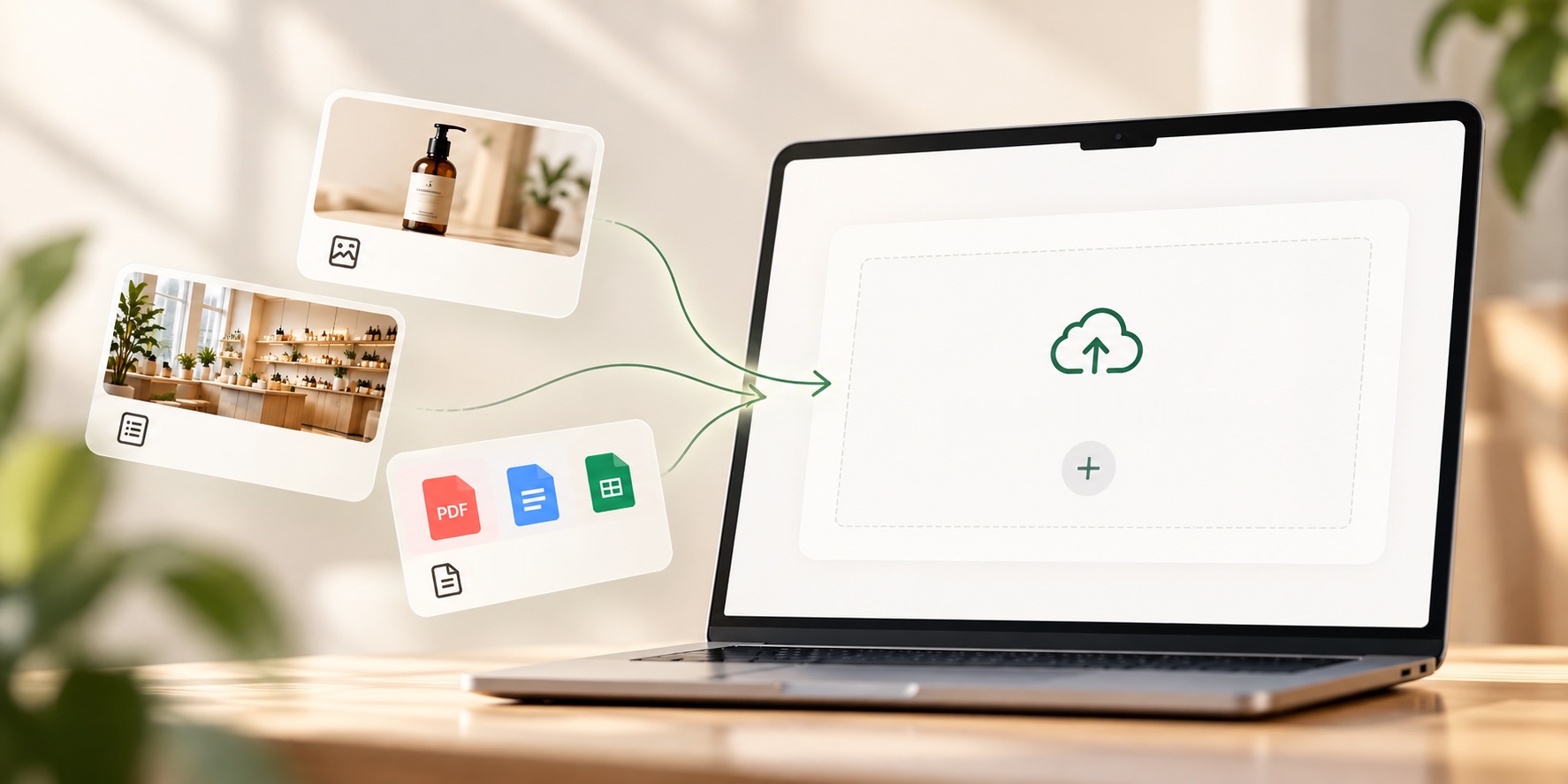
Whatever your store has, just upload it
No need to reorganize anything for Tenin. Upload materials in any common format and the AI clerk parses them into its knowledge base. The more you share, the better it knows your store.
- IMGPhotosPaper menus, price boards, your store space
- PDFPDFsMenus, manuals, brochures
- XLSSpreadsheetsPrice lists, stock sheets, schedules
- DOCWord documentsStore policies, service procedures, FAQs
- URLWeb contentYour website, review pages, brand story
- TXTQuick notesHouse rules and reminders, just type them in
Sign up today, serve customers today
Free to start, no payment method required.